Your Phone Is Stealing Your Night Vision. Here's the 20-Minute Reset.

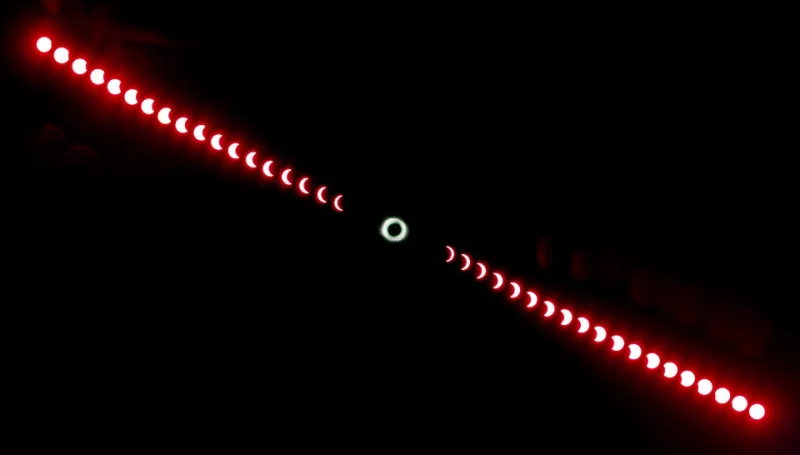
Photo: Ethan Llamas, CC BY-SA 4.0, via Wikimedia Commons
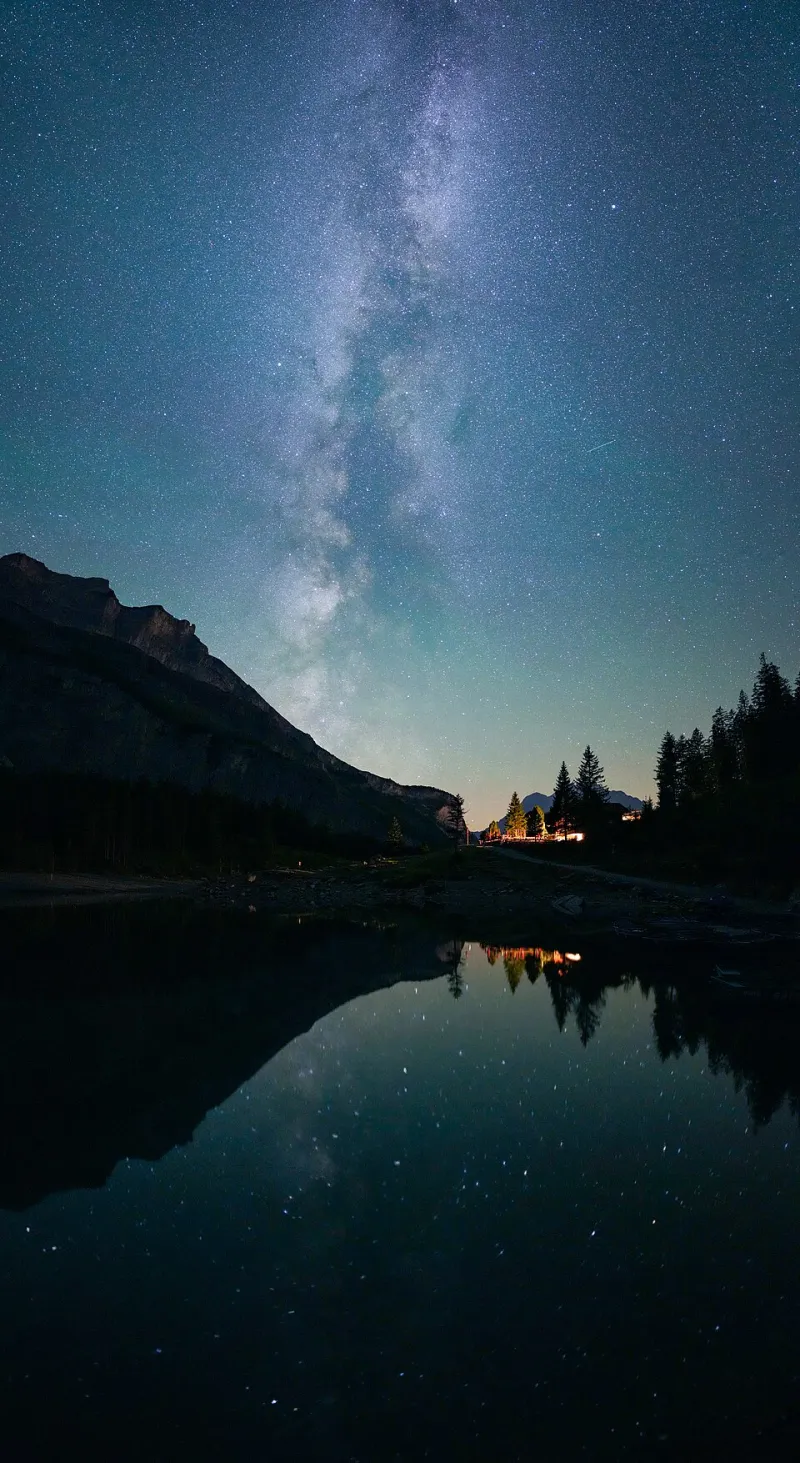
You did the right things. You checked the forecast, drove an hour away from town, and found a spot where the Milky Way was supposed to be visible. Then you pulled out your phone to check the star chart, and the sky disappeared.
This is the quiet contradiction of modern stargazing. Our phones are phenomenal astronomy tools. They can identify planets, show satellite passes, and guide you to galaxies you would never find on your own. They can also bleach your night vision in a single glance. The question is not whether to use your phone. It is how to use it without spending the next half hour waiting for your eyes to recover.
Dark Adaptation Is a Chemical Process, Not a Switch
Your eyes do not adjust to the dark like a dimmer switch. They adjust through a chemical process. In low light, your pupils widen, but that is only part of the story. The real work happens in the retina, where rod cells produce a light-sensitive pigment called rhodopsin. It takes time for that pigment to build up. A lot of time.
Most people need about 20 to 30 minutes to reach a useful level of dark adaptation. Full adaptation can take much longer—sometimes an hour or more. And a bright white screen can undo a significant chunk of that progress in seconds. That is why a quick check of your phone can feel so costly. You are not just looking at a screen. You are telling your eyes to reset.
The Red-Light Myth
Red light is the traditional friend of astronomers because it is less disruptive to night vision than white or blue light. That part is true. Rod cells are less sensitive to long-wavelength red light, so a dim red flashlight does less damage than a bright white one.
But red-light mode on a phone is not a magic fix. A red screen at full brightness can still be too bright. Many astronomy apps offer a red overlay, but the display itself may still be pumping out a lot of light. If the screen is close to your face and the brightness is high, your eyes will notice.
The better approach is to combine red light with low brightness. Turn the screen brightness all the way down. Use your phone's accessibility settings to reduce white point or apply a red color filter. Keep the screen small in your field of view. And keep your glances short.
The 20-Minute Reset
If you have already blown your night vision, do not panic. You can recover. The reset is simple, even if it feels boring.
Turn off the phone. Turn off any white light. Do not stare at a porch light or a car headlight. Look up at the sky, or at a dark patch of ground, and let your eyes do their work. Give it 20 minutes. That is not a perfect restoration of full dark adaptation, but it is often enough to get back to observing faint objects.
A red flashlight helps during the wait. So does patience. If you are at a dark-sky site, use the time to listen. The night is not empty just because your eyes are recovering.
Use the Phone Without Losing the Sky
The practical solution is to plan ahead. Before it gets dark, use your phone to check the forecast, pick targets, and download offline star charts. Then put the phone away. When you need it later, switch to airplane mode, turn off notifications, and set the screen to the dimmest red setting you can tolerate.
Use the phone for quick checks, not long reading sessions. Hold it low and angle it away from your observing eye. If you are hunting for Andromeda, use the app to get oriented, then put the phone down and let your eyes take over. The galaxy is faint. Your screen is not.
The best astronomy app is the one you know how to put away. A phone can help you find the sky. It should not be the reason you lose it.